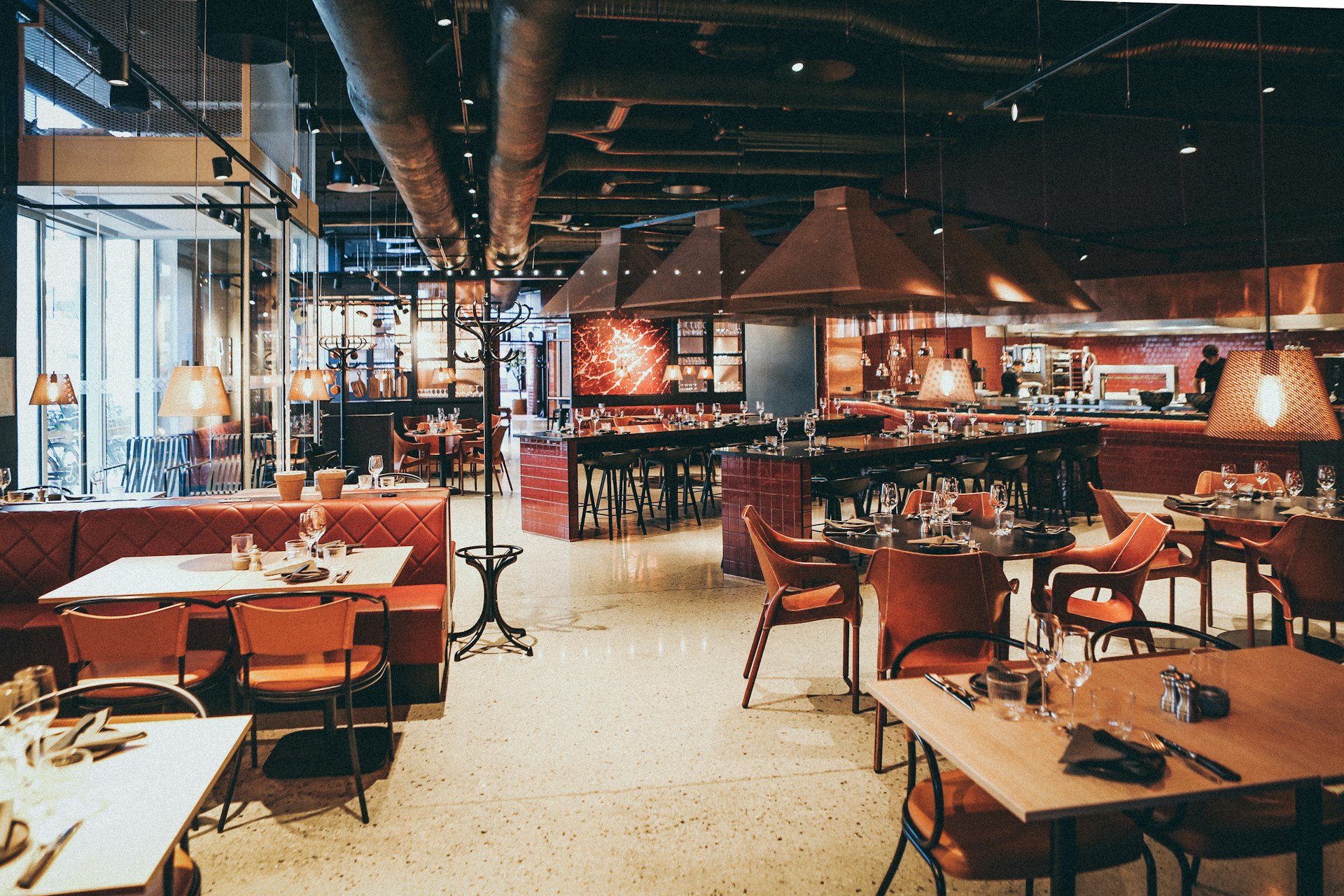
POS System
Your flooron screen
Graphic POS system that replicates your venue layout. Manage tables, orders, and bills in one place.
- Table Editor
- Bill Splitting
- Live Status
- Faster Service
- 30%
- Bill Errors
- 0
- Floor Control
- 100%
- Data Access
- 24/7
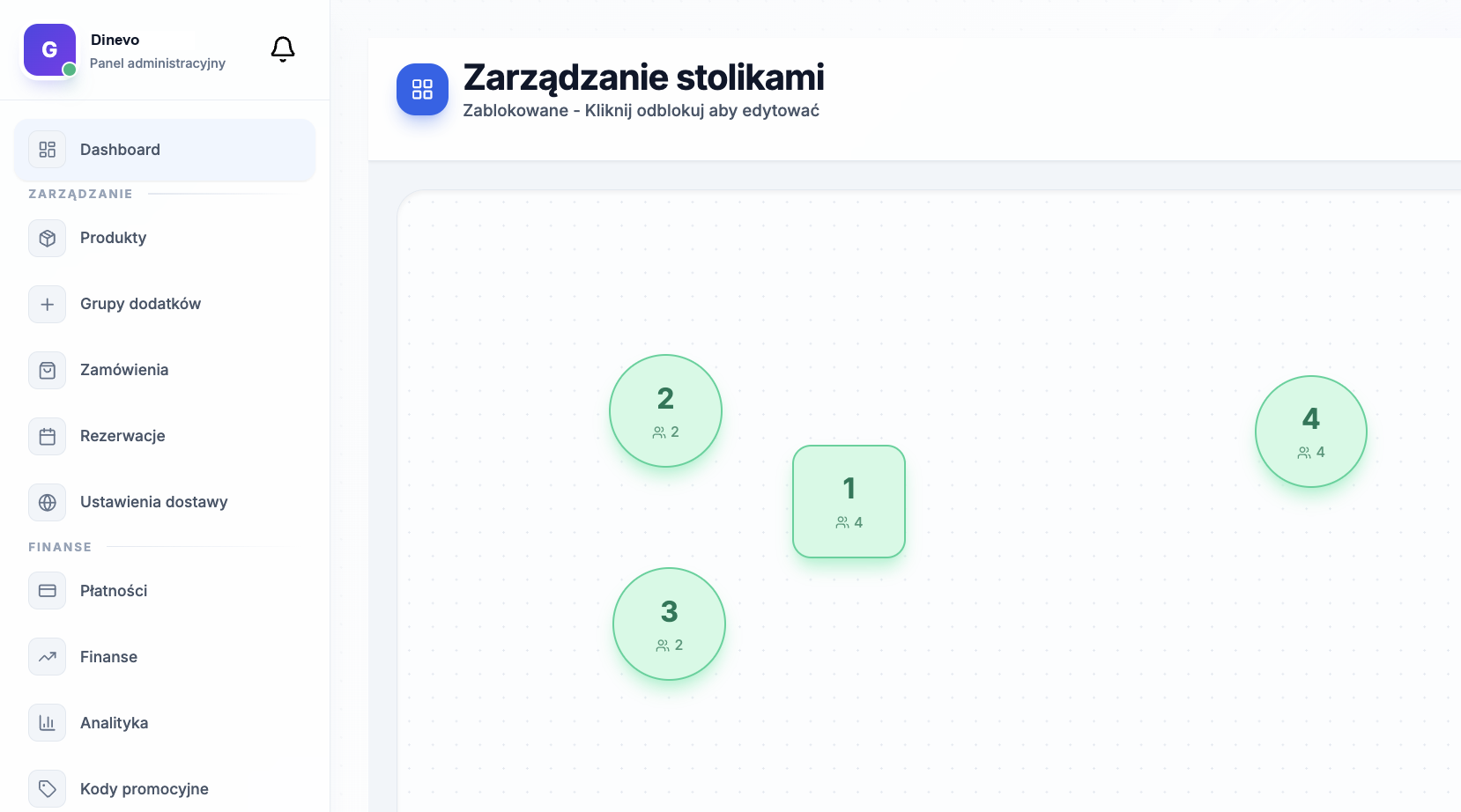
Floor Editor
Design yourfloor on screen
Drag and drop tables, walls, bar. Your venue in digital version — waiters know exactly which table is where.
- Square, round, rectangular tables
- Any number of seats per table
- Zones: main hall, terrace, VIP
- Walls, bars, entrances as map elements
Bill Splitting
Everyone paystheir share
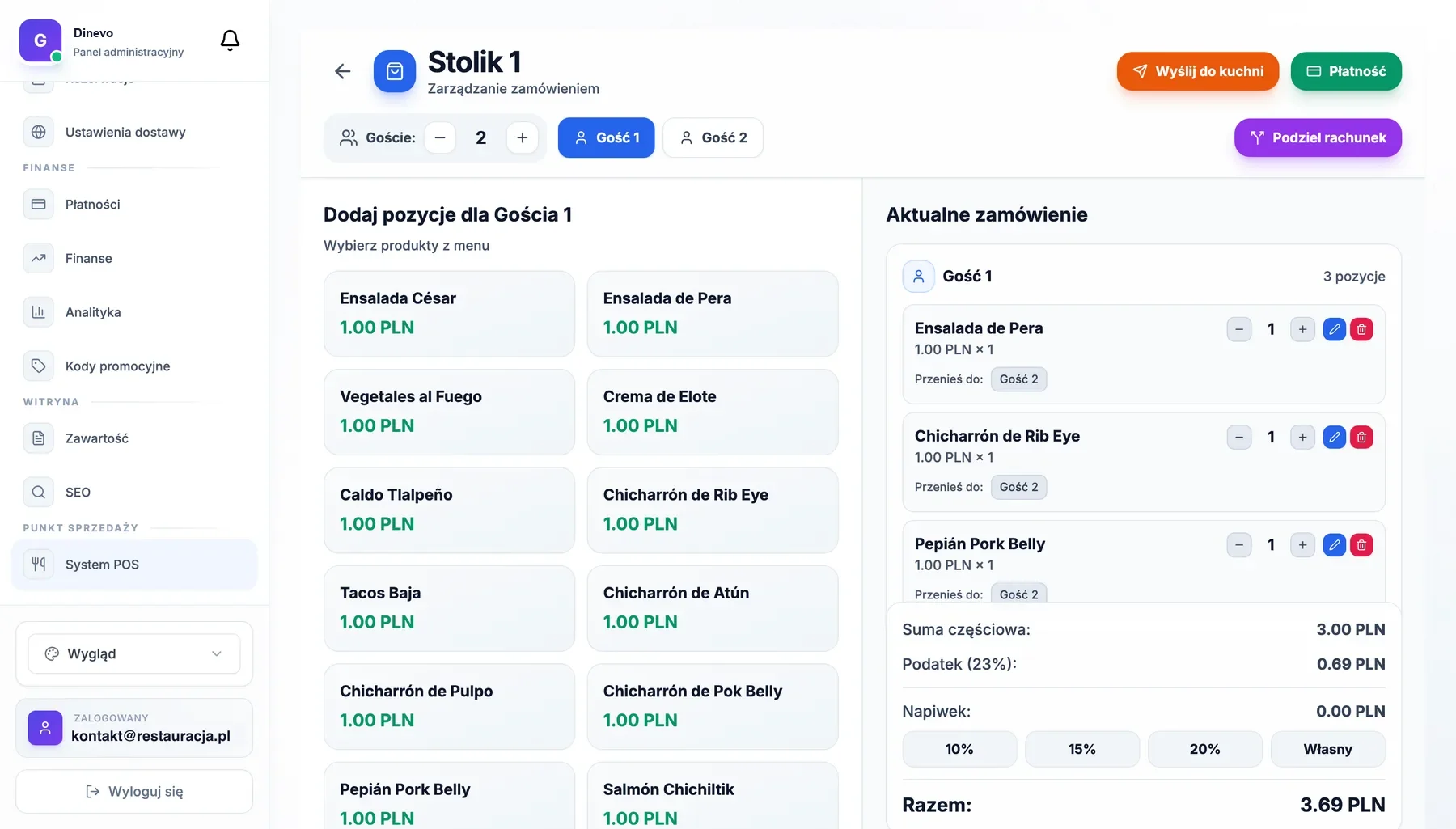
One table, four people, four separate bills. Assign items to guests and settle each separately — no calculator.
- Assign items to people
- Auto-split shared items
- Separate receipts for everyone
- Different payment methods on one table
How it works
From table to bill
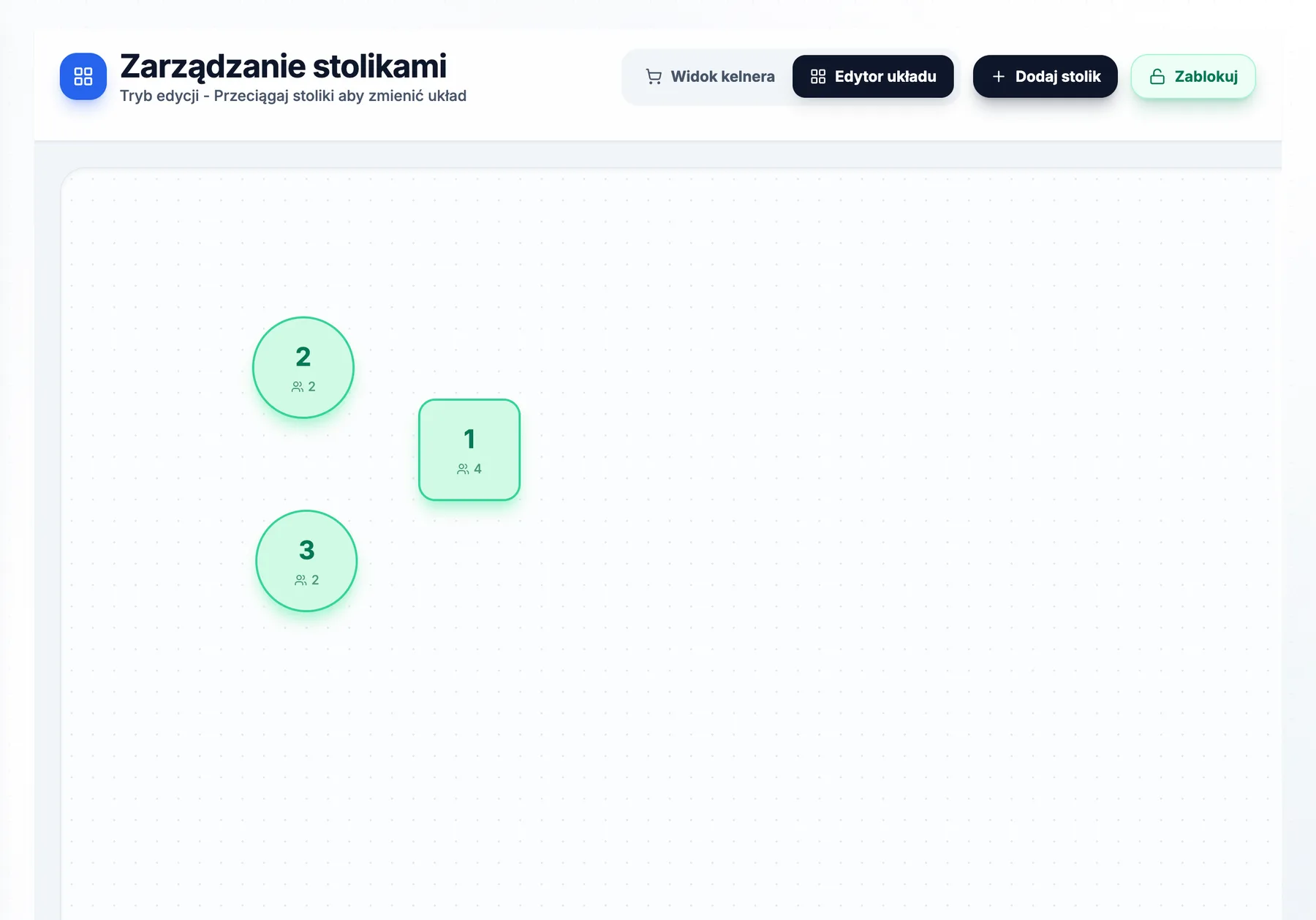
Create map
Replicate your restaurant layout in graphic editor. Add walls, bar, entrance, and zones.
Arrange tables
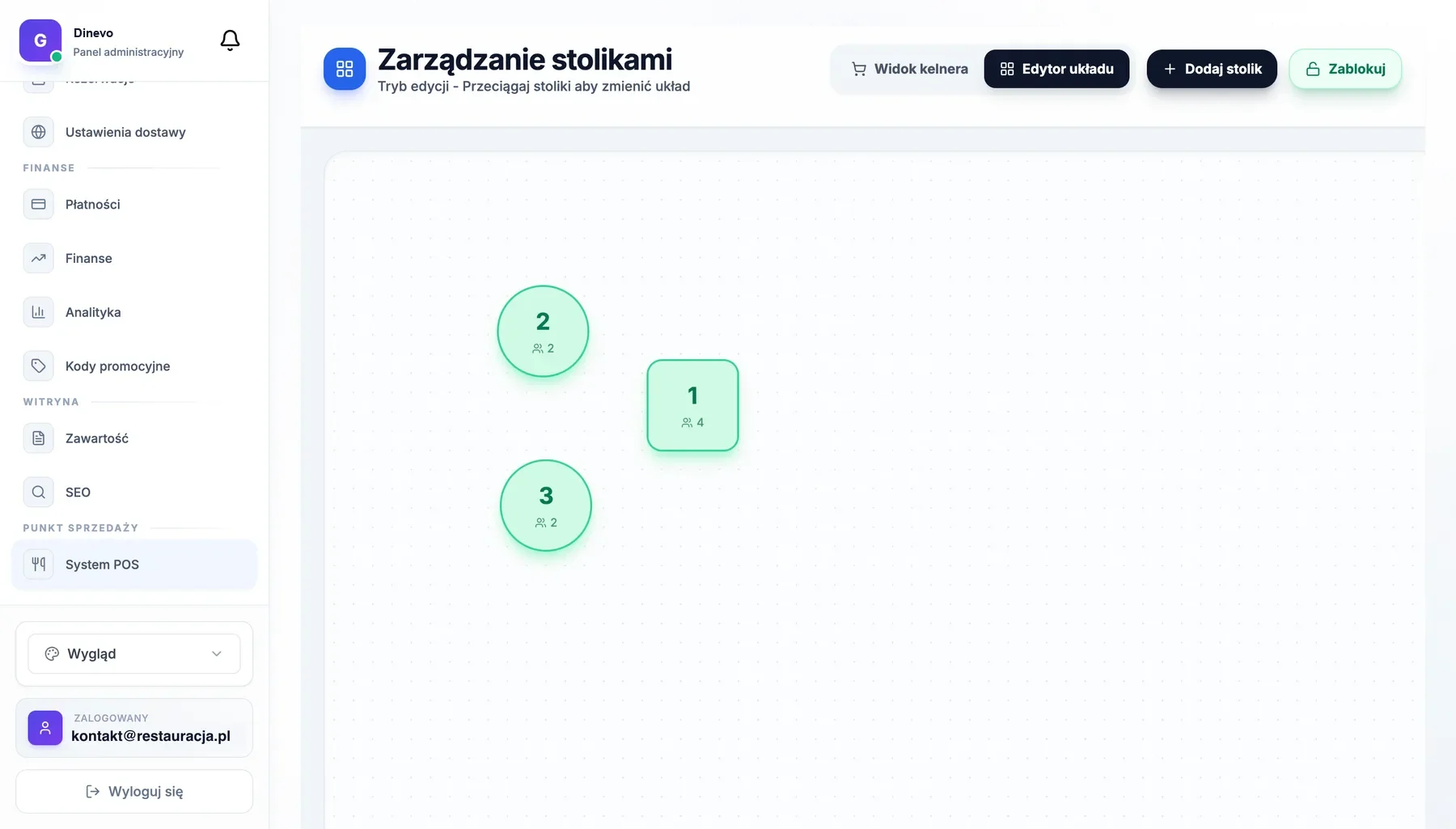
Drag tables to map. Choose shape, size, and seat count for each.
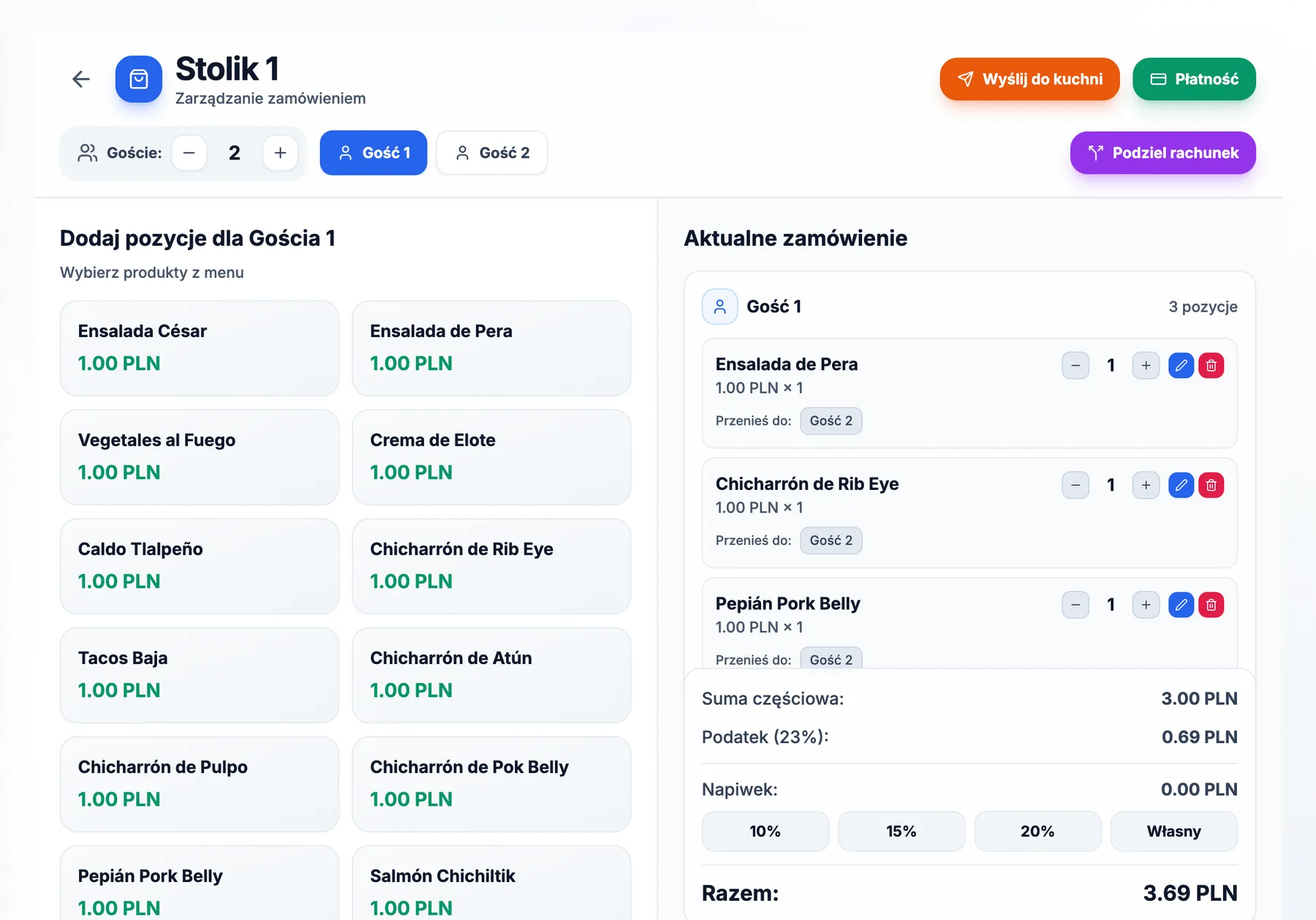
Take orders
Click table, add menu items. System tracks time and status automatically.
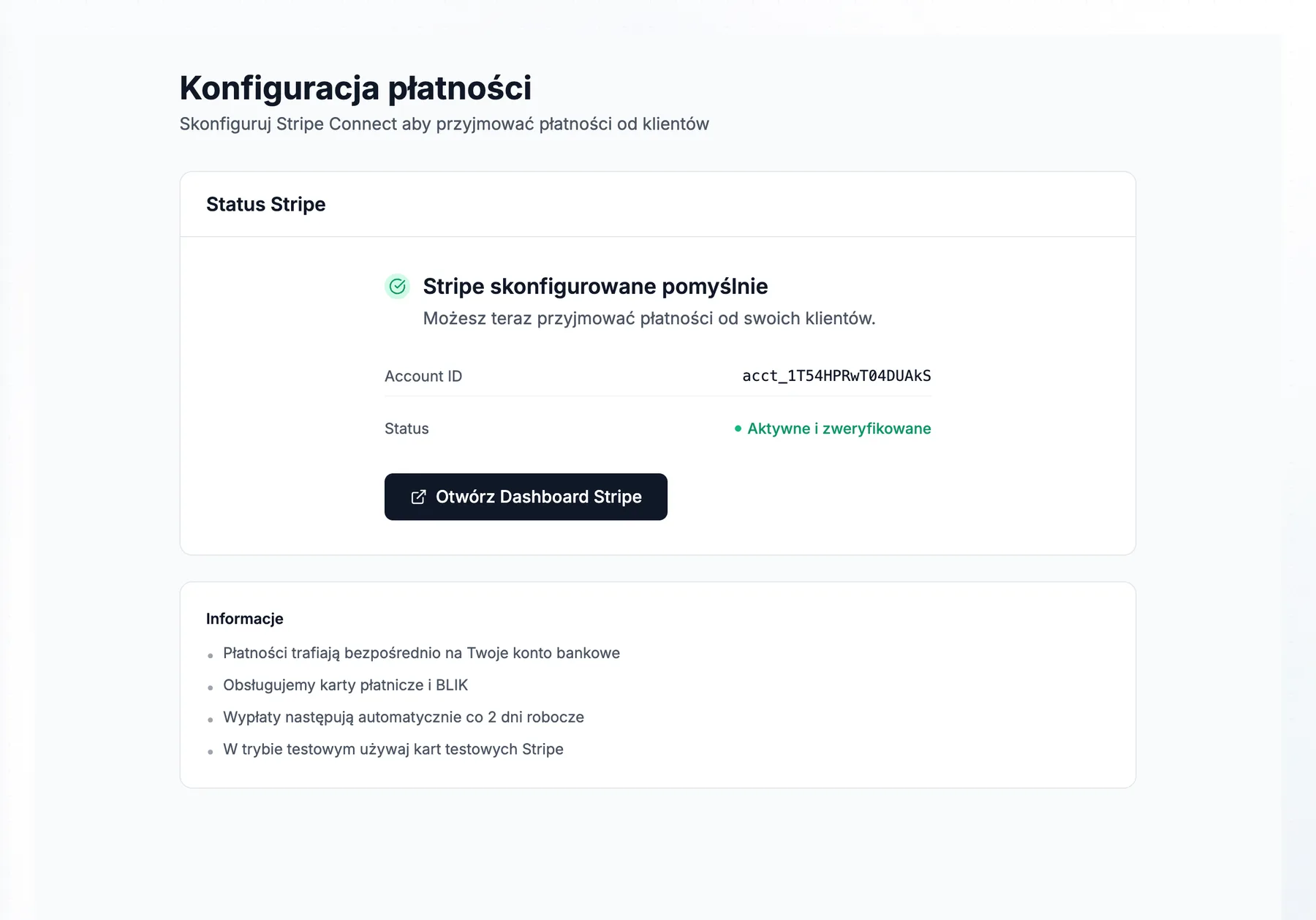
Close bill
Split by guests, add tip, choose payment method. Done in seconds.
Screenshots
See system in action
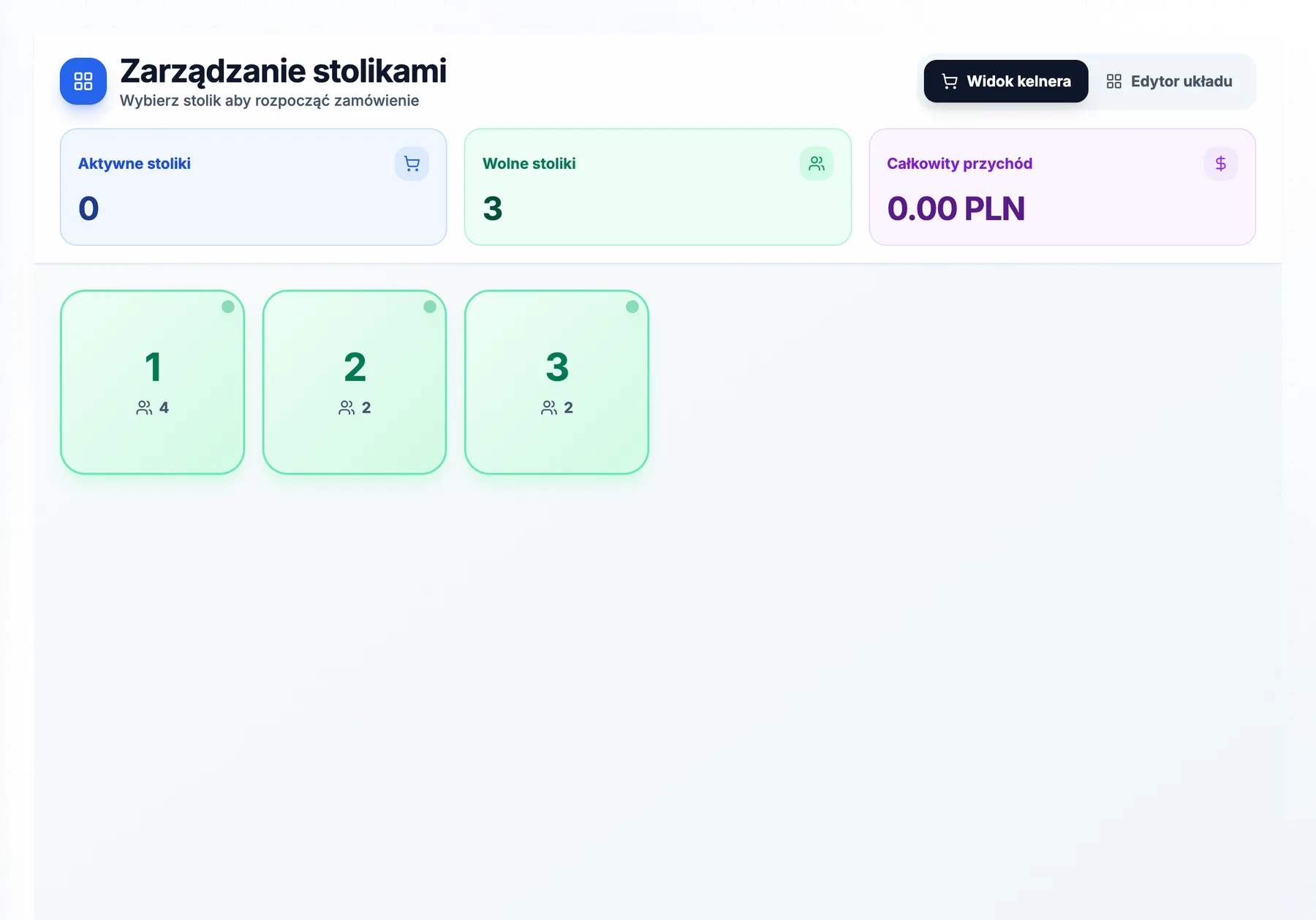
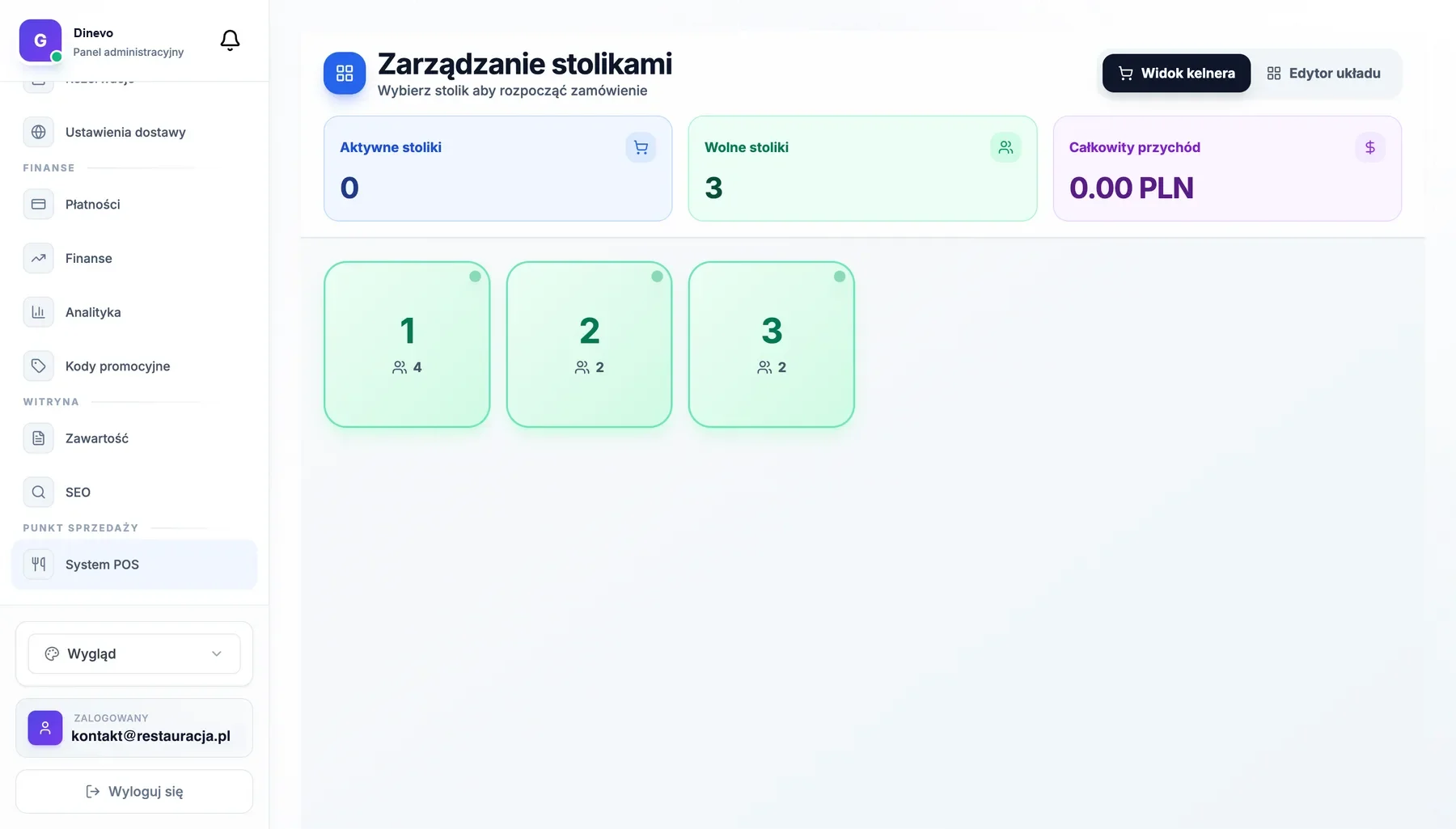
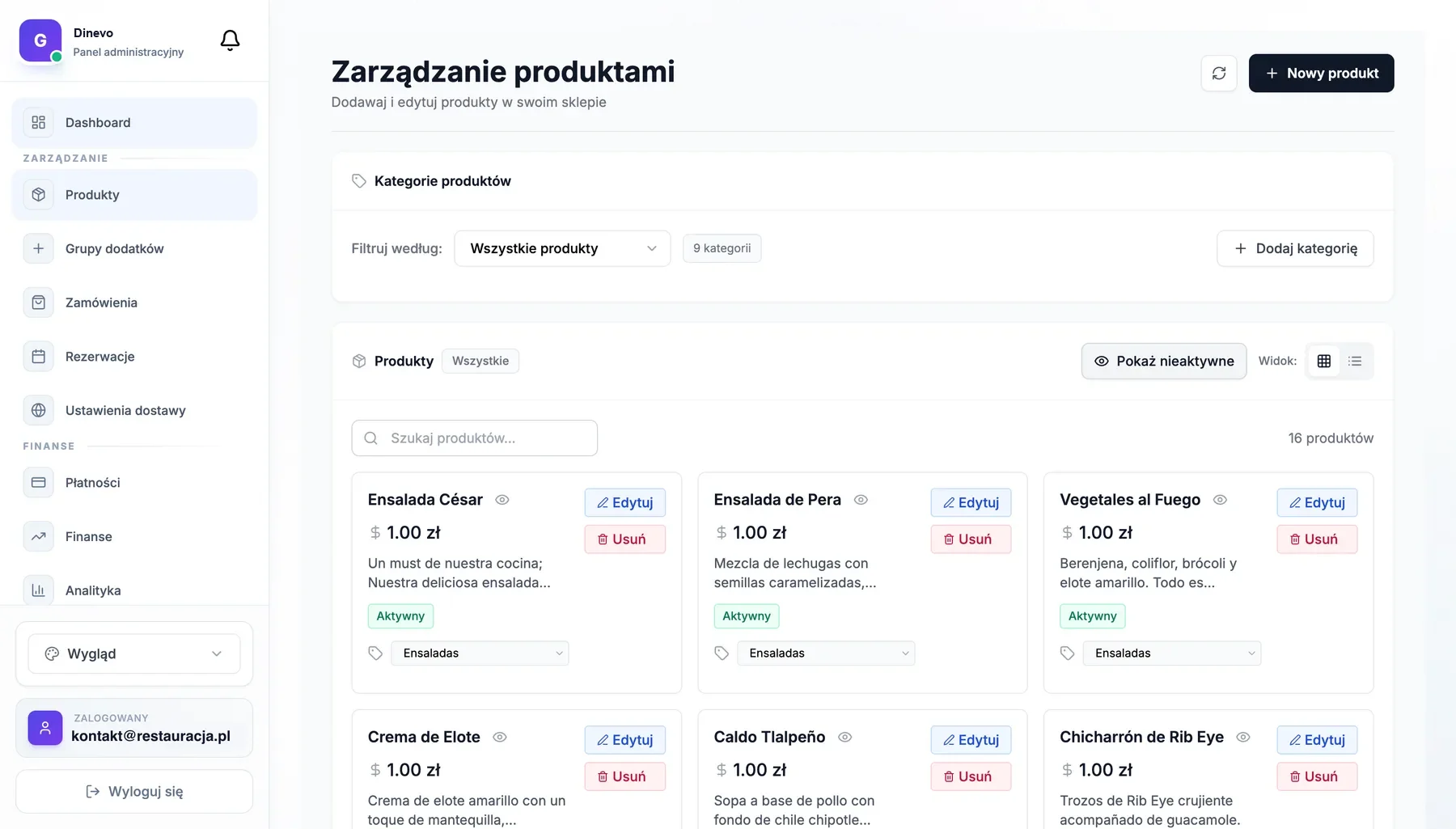
Real views from the POS system — floor map, taking an order at the table, and menu management.
Funkcje
Everything you need
Graphic Floor Editor
Drag and drop tables exactly as they stand in your venue. Walls, bars, terraces — everything.
Various Table Shapes
Square, round, rectangular, bar. Adjust size and seats for each.
Bill Splitting
One table, many guests? Split bill into any number of people with one click.
Item Transfer
Guests switched tables? Transfer order between tables without data loss.
Live Table Status
Free, occupied, bill requested, to clean — see everything in one view.
Table Merging
Larger group? Merge multiple tables into one bill keeping their physical positions.
And much more...
- Quick Menu
- Categories and favorites at hand
- Modifiers
- No onion, extra cheese, medium rare
- Order Notes
- Allergies, preferences, special requests
- Kitchen Printing
- Auto-print tickets
- Tips
- Adding and splitting tips
- Discounts & Promos
- Percentage and amount discounts
- Table History
- What was ordered, when, who served
- Shift Reports
- End of day summary
FAQ
Frequently Asked Questions
Have more questions? See full FAQ or contact us
Ready for digital floor?
Book a demo and see how Dinevo POS changes your restaurant management.